 Security
 Table of Contents
Home security cameras have come a long way from grainy, hard-to-access footage stored on a DVR in a closet. Today’s cameras are sharp, smart, and connected - but the consumer market is flooded with options that come with strings attached: monthly cloud subscriptions, limited storage, and privacy concerns about who is actually watching your footage. If you have been looking for a better way to protect your home in Bucks County or Montgomery County, UniFi camera system installation deserves a serious look. Ubiquiti’s UniFi Protect platform gives homeowners enterprise-level video surveillance without the recurring fees, without depending on someone else’s servers, and with a level of control and quality that consumer systems simply cannot match.
What Is UniFi Protect and Why Homeowners Love It
UniFi Protect is Ubiquiti’s video surveillance platform - the same technology used in commercial buildings, schools, and professional environments, adapted and packaged for home use. It runs on a local Network Video Recorder (NVR) device called a UniFi Protect Console, which stores footage on a hard drive in your home. Your cameras feed video directly to that console, 24 hours a day, without your footage leaving your property unless you choose to access it remotely.
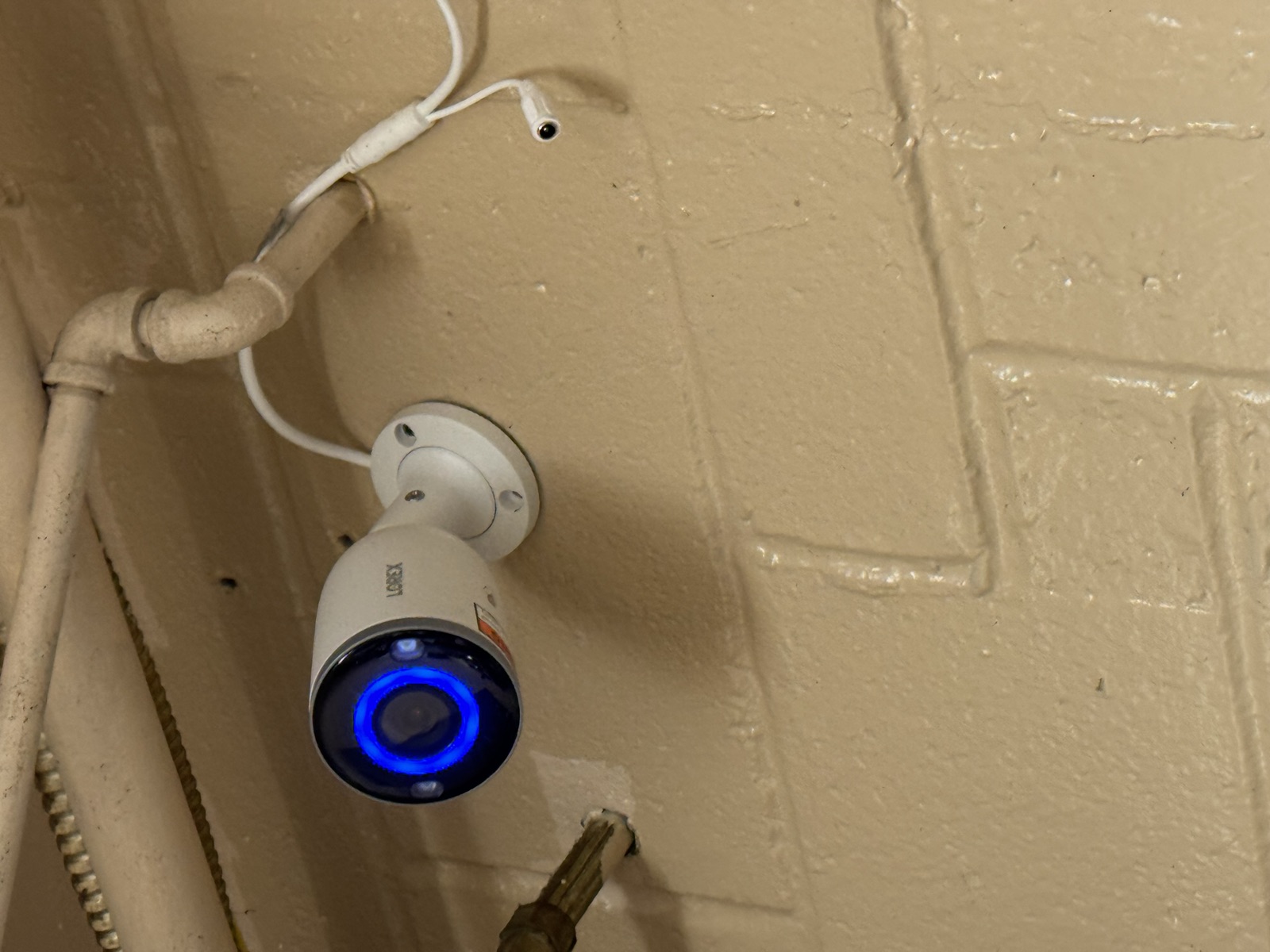
The cameras themselves are excellent. UniFi offers a range of models covering wide-angle views, tight zooms, doorbell integration, low-light performance, and more. Resolution ranges from 2MP to 4K depending on the camera you choose. The image quality at any price point tends to outperform what you get from consumer brands at the same budget.
The management interface - available both as an app and a web browser dashboard - is clean and intuitive. You can view live feeds from all cameras simultaneously, scrub through recorded footage, set motion detection zones, configure alerts, and manage your system without navigating a confusing consumer app.
Local Storage vs. Cloud: Why It Matters for Homeowners
This is one of the biggest reasons homeowners in Warminster, Lansdale, and Horsham are switching to UniFi Protect from cloud-dependent systems.
The Problem with Cloud Storage
Consumer camera brands like Ring, Nest, and Arlo are convenient, but their business model depends on cloud subscriptions. Without a paid plan, many of these systems offer limited or no video history - sometimes as little as three hours. With a paid plan, you are paying $5 to $20 per month per camera, indefinitely. Over five years, that adds up to $300 to $1,200 just in subscription fees per camera, before you even count the hardware.
Beyond the cost, cloud storage means your video leaves your home and sits on someone else’s server. While reputable companies have security measures in place, cloud accounts can be compromised. There have been documented cases of security camera companies suffering data breaches, and in some cases unauthorized access to live camera feeds.
The UniFi Approach
With UniFi Protect, your footage lives on a hard drive in your home. A standard installation with a 2TB to 4TB drive gives most homeowners 30 to 90 days of continuous recording history across all cameras, depending on camera count and resolution settings. There is no monthly fee for storage. There is no subscription to manage. Your footage is yours, stored where you control it.
Remote access works through Ubiquiti’s secure relay servers - you can pull up your cameras from anywhere in the world using the UniFi Protect app - but the actual footage never lives in the cloud. If your internet goes down, cameras continue recording locally and remote access resumes when connectivity is restored.
Key Features That Set UniFi Protect Apart
Smart Detection
Modern UniFi cameras include on-camera AI processing that distinguishes between people, vehicles, and animals. This dramatically reduces false alerts. Instead of getting a motion notification every time a leaf blows past your front door, you get alerts specifically when a person or vehicle is detected. You can configure detection zones so that the camera only watches specific areas of the frame - the driveway, not the street.
Continuous Recording with Event Flagging
UniFi Protect records continuously - every minute, around the clock - and flags motion events for easy browsing. If an incident happens, you can go back to exactly when it occurred and see everything without relying on the camera having captured a specific motion trigger. This is different from motion-only recording systems, which can miss events if the trigger is not properly calibrated.
Package Detection and Doorbell Integration
The UniFi Protect G4 Doorbell and newer models include two-way audio and package detection - the camera identifies when a package has been delivered or removed from your doorstep. Combined with a connected door lock, you can build a complete entry management system.
Scalability
Start with two cameras and add more as your needs grow. UniFi Protect supports up to dozens of cameras on a single console. Homeowners in Doylestown or Chalfont who add a detached garage, a pool area, or a new driveway can expand their system without starting over.
Why Professional UniFi Camera Installation Makes a Difference
UniFi Protect is more user-friendly than it used to be, but it is still not a plug-and-play consumer product. Professional installation ensures your system is set up correctly from the start.
Proper Camera Placement
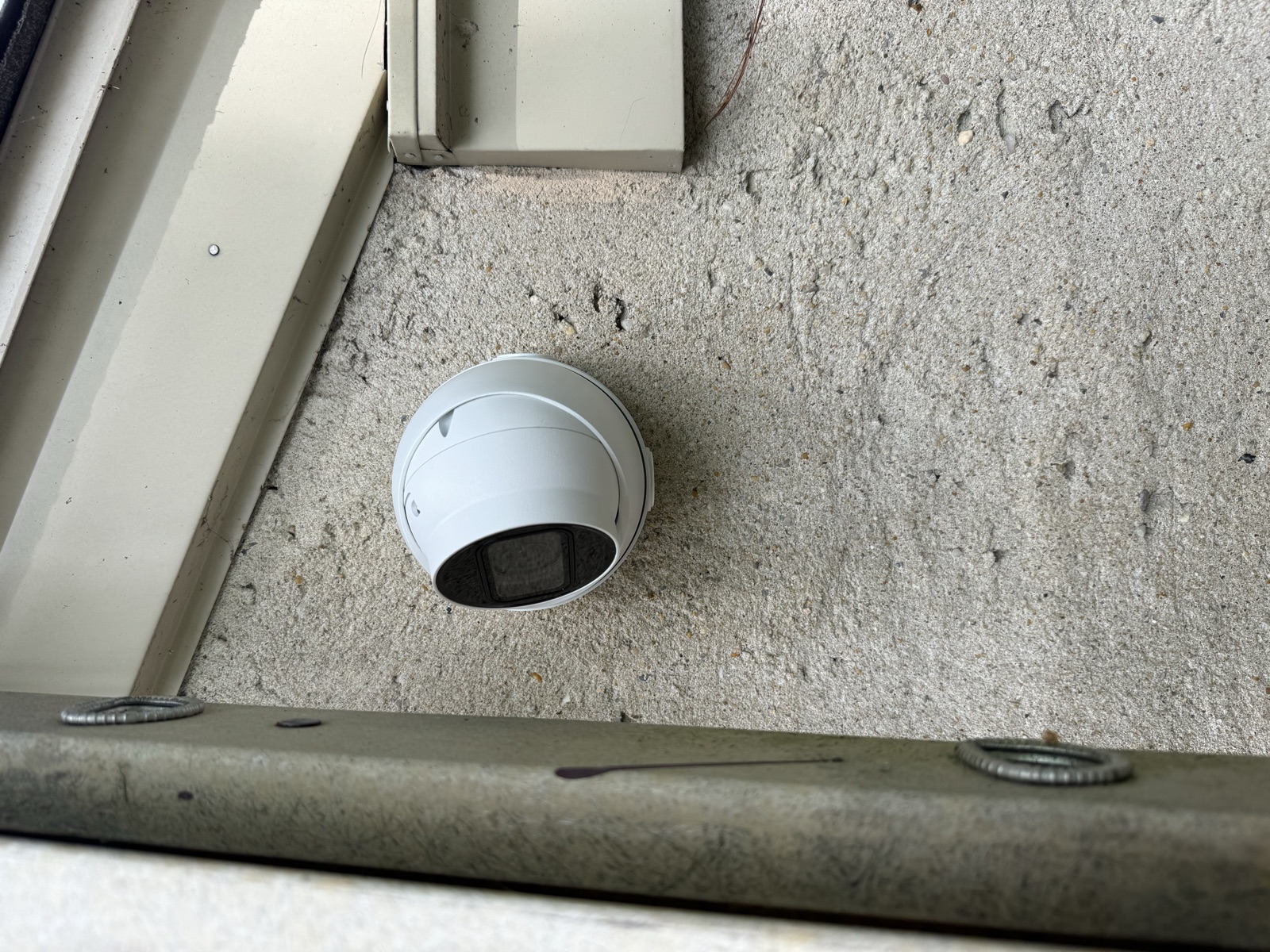
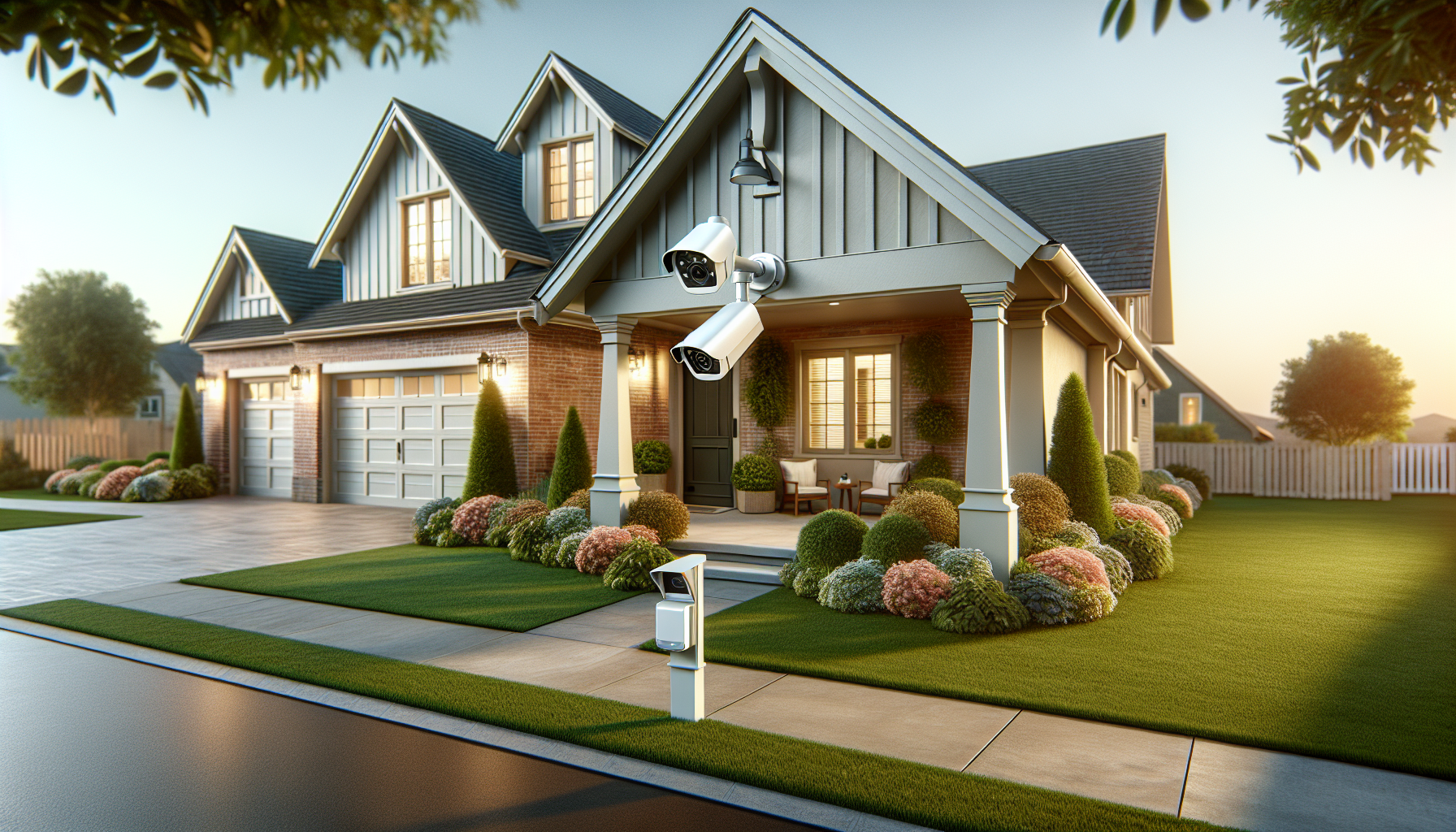
Camera positioning is one of the most important factors in an effective security system. Placing a camera too high reduces its ability to capture usable facial detail. Pointing it into a backlit area washes out the image. Leaving blind spots around your property undermines the whole investment. A professional installer assesses your property and positions cameras for maximum coverage and evidence quality.
Network Integration
UniFi cameras need to be connected to your network and, ideally, run on a dedicated camera VLAN to keep security traffic segregated from your regular home network. If you already have a UniFi network, the cameras integrate seamlessly. If you do not, we can design a solution that works with your existing equipment.
Clean, Hidden Cable Runs
Running ethernet cable from cameras through exterior walls, attic spaces, or crawl spaces is a trade skill. A professional installation results in clean, weatherproofed runs with cameras that look intentional - not like an afterthought. Exposed, improperly weatherproofed cables degrade faster and look unprofessional.
Ongoing Support
When you have a professionally installed UniFi system, you have someone to call if something goes wrong, if you want to expand, or if you need help accessing footage for an insurance claim or police report. That support relationship has real value.
UniFi Camera Systems in Bucks County and Montgomery County
Graff’s Electric & IT Solutions installs UniFi Protect systems throughout Bucks County and Montgomery County - in Warminster, Lansdale, Horsham, Hatfield, Newtown, and across the region. We handle everything from the network assessment and camera placement design through cable runs, console installation, configuration, and walkthrough.
We work with homeowners who are starting from scratch and with those who already have a UniFi network and want to add cameras. If you are tired of paying subscription fees to a cloud camera company for mediocre footage quality, this is the upgrade worth making.
FAQ
Q: Is UniFi Protect hard to use for a homeowner? A: The day-to-day experience - viewing cameras, browsing footage, checking alerts - is intuitive through the mobile app or web interface. Initial setup and configuration is more involved, which is why professional installation is worth it. Once it is set up correctly, managing the system is simple.
Q: How much storage do I need? A: For most homeowners with four to eight cameras recording at 1080p, a 2TB drive provides 30 or more days of continuous recording history. For higher camera counts or 4K resolution, 4TB or more is advisable. Hard drive storage is inexpensive and can be upgraded.
Q: Do UniFi cameras work if my internet goes down? A: Yes. Cameras continue recording to your local console during internet outages. You cannot access them remotely without internet, but the recording does not stop. When connectivity is restored, remote access resumes.
Q: How is UniFi Protect different from Ring or Arlo? A: The main differences are local storage (no mandatory cloud subscription), higher image quality at comparable price points, continuous recording versus motion-only, and a more powerful management interface. Ring and Arlo are designed for easy consumer setup; UniFi Protect is designed for performance and privacy.
Interested in a UniFi camera system for your home? Call Graff’s Electric & IT Solutions at (215) 974-0720 or visit graffselectric.com to schedule a free site assessment. We install professional security camera systems throughout Bucks County and Montgomery County, including Warminster, Lansdale, Horsham, Doylestown, Chalfont, and surrounding areas.
Sponsored
Need a Licensed Electrician?
Serving Bucks & Montgomery County. Free estimates on all projects.
Get Your Free EstimateNeed Help With This?
Graff's Electric & IT Solutions is here to help with all your electrical and technology needs in Bucks & Montgomery County.