 Smart Home
 Table of Contents
We get called into a lot of Bucks County homes to finish smart home projects that started as a weekend of online shopping. The pattern is always the same: a drawer full of gadgets from three different ecosystems, two apps that will not talk to each other, and a light switch that needs a wire the box does not have. None of it is the homeowner’s fault. The industry sells devices one shiny box at a time and lets you discover the plan you needed afterward.
So here is the plan, in the order we would do it in our own houses.
Step 1: Pick Your Ecosystem Before You Buy Anything
Every smart device answers to a platform: Apple Home, Google Home, or Amazon Alexa, with Samsung SmartThings still in the mix for the enthusiast crowd. The single most expensive mistake in this hobby is buying devices first and discovering the platform question later.
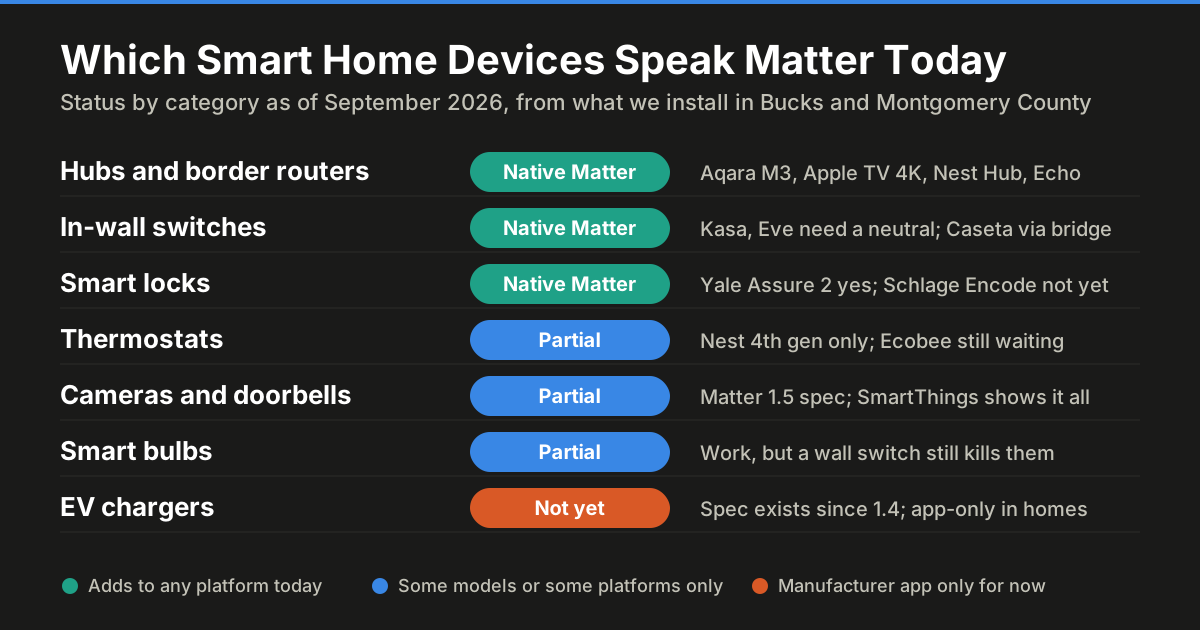
The good news as of 2026 is that the Matter standard has matured enough that most new mainstream devices work with every platform. Our advice is still to pick one: choose the platform that matches the phones in your house, then prefer Matter-certified devices within it. Households of iPhones want Apple Home; Android households want Google; heavy Alexa speaker users already know who they are. Write the choice down and let it veto every future purchase, including the clearance-rack gadget that only speaks its own app.
Step 2: Start With Lighting, and Choose Switches Over Bulbs
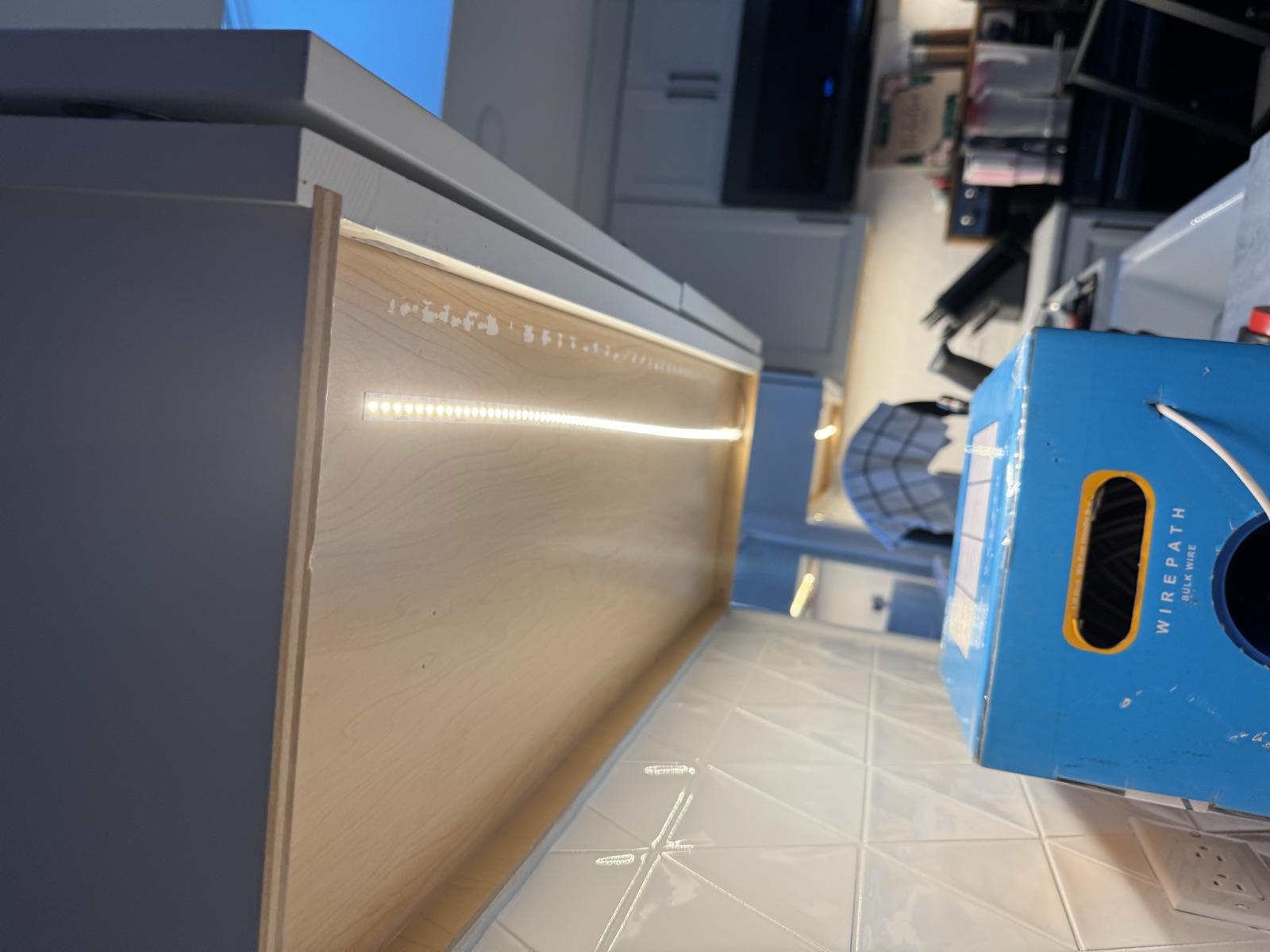
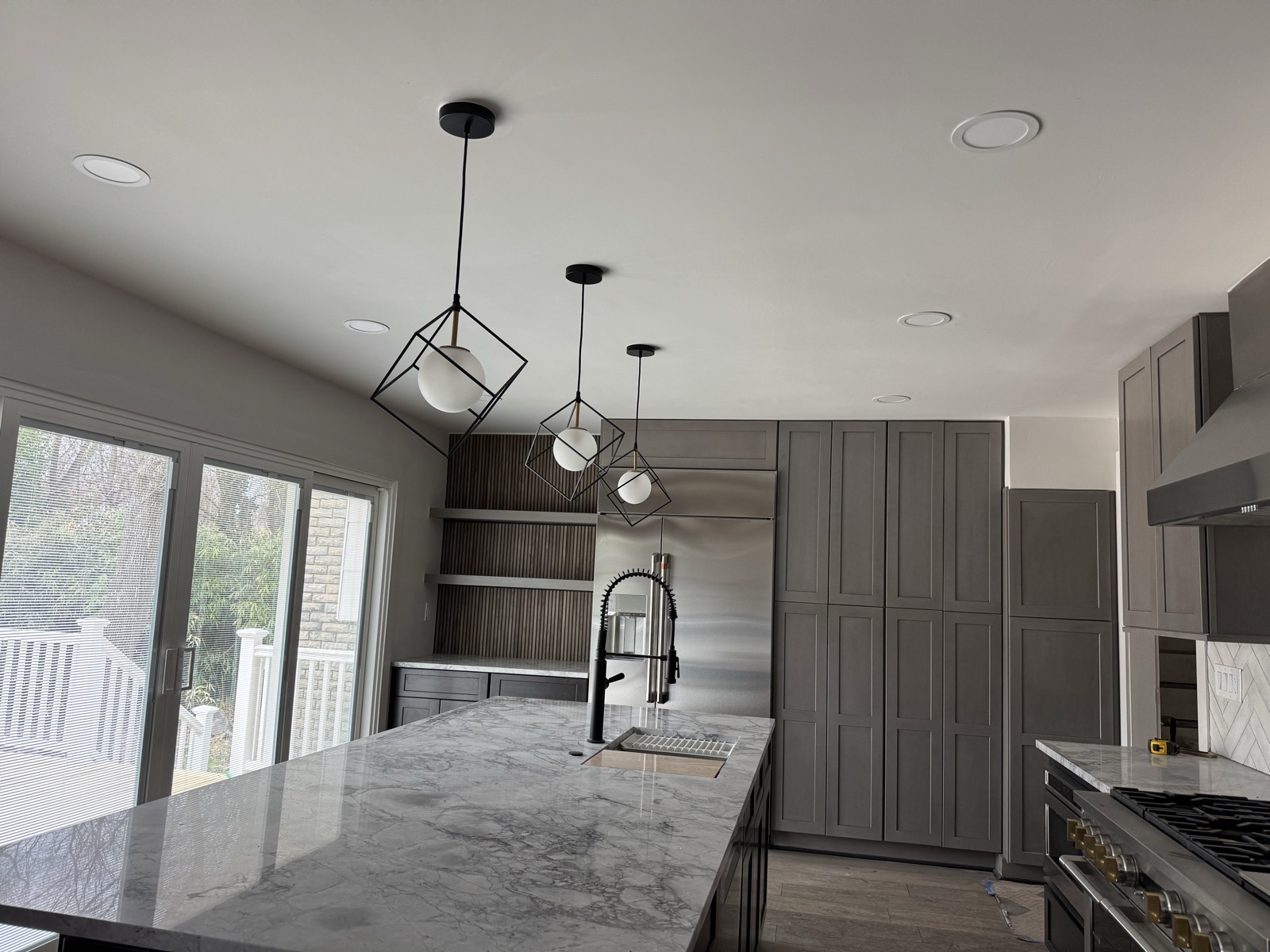
Lighting is the right first project: you touch it daily, the payoff is immediate, and it teaches you how your platform behaves. But there is a fork in the road that determines whether the system delights you or drives the family crazy.
Smart bulbs screw into an existing fixture and need the wall switch left on forever. The moment a guest flips the switch, the “smart” bulb is a dead bulb until someone flips it back. Bulbs are the right call for lamps and for anywhere you want color.
Smart switches replace the switch in the wall, work exactly like normal switches when someone flips them, and make every fixture on the circuit smart at once. This is what we install in our own homes, and it is where a hard-earned electrical caveat comes in: most smart switches require a neutral wire in the switch box, and plenty of Bucks County housing stock (especially homes wired before the mid-1980s) has switch loops without one. There are no-neutral switch models, but the selection is thinner. Pop a switch cover and look before ordering a ten-pack, or have us do a quick survey; it is a five-minute check that saves a return shipment.
Step 3: The Thermostat, and Its Own Version of the Same Catch
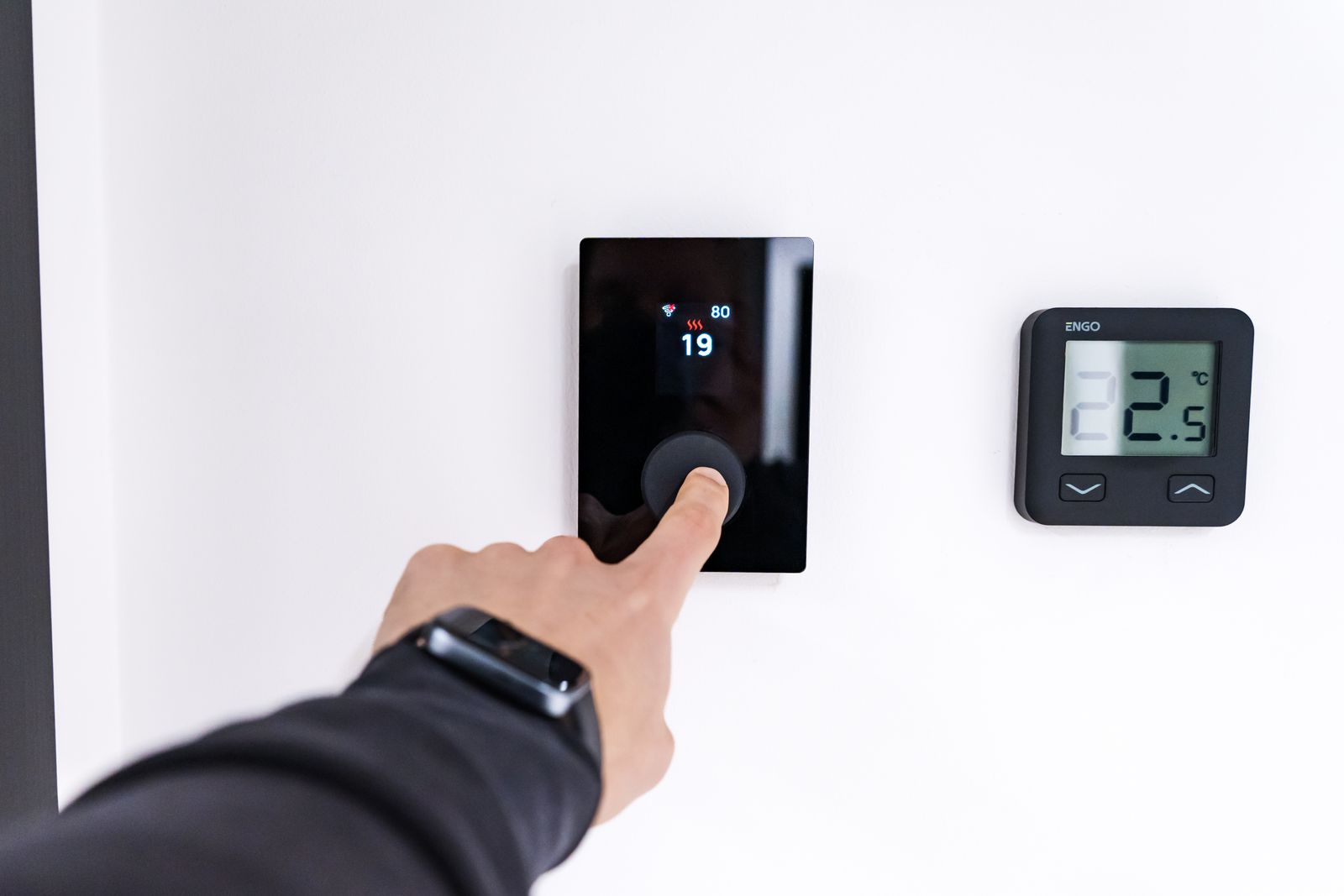
A smart thermostat is the one device in this article that pays for itself in a measurable way, typically 8 to 15 percent off heating and cooling costs through scheduling and away-sensing. It is also the second place a wiring surprise lives: many smart thermostats want a C-wire (a common wire that provides constant 24-volt power), and older heating systems frequently do not have one at the thermostat. Some models ship workaround kits, some HVAC systems tolerate them, some combinations end in a service call anyway. If your furnace is older or your current thermostat runs on batteries, check for the C-wire before buying.
One more honest note from the trade: if your home still has electric baseboard heat on line-voltage thermostats, standard smart thermostats do not apply; you need line-voltage-rated models, and that is a job for an electrician.
Step 4: Doorbell, Locks, and Cameras
Once lighting and climate work, the security tier is next: a video doorbell, a smart lock for the door you actually use, and a camera or two. Practical guidance from installs around here: wired video doorbells beat battery models if your existing doorbell transformer can support them (older transformers often need a swap to a 16-24V unit, a quick job); smart locks eat batteries quietly, so pick one that warns loudly; and put cameras on your network with strong passwords and automatic updates, because a camera with a default password is somebody else’s camera.
Step 5: The Quiet Infrastructure That Makes It All Reliable
Nobody posts about this part, and it is the difference between a smart home and a flaky one.
Wi-Fi coverage. Thirty smart devices on a builder-grade router in a corner of the basement is a support ticket generator. A mesh system or a couple of wired access points fixes 80 percent of “my smart home is unreliable” complaints before they start.
Surge protection. You are about to hang hundreds of dollars of electronics on every circuit in the house. A whole-home surge protector at the panel (a few hundred dollars installed, and now standard on new panel work under current code) protects all of it at once. We install these with nearly every panel upgrade for exactly this reason.
Panel headroom. Smart devices themselves sip power, but smart home ambitions have a way of growing into EV chargers, heat pumps, and hot tubs. If your panel is a crowded 100-amp veteran, factor that into the roadmap; our guide to the signs your panel needs an upgrade covers what to look for.
The Sane Rollout Order
Month one: ecosystem decision, three or four smart switches in the rooms you live in, and the thermostat if your wiring cooperates. Month two: the doorbell and front-door lock. Month three: cameras, more switches, and your first automations (outside lights at sunset is the gateway drug). After that you will know exactly what you want next, which is the point: a smart home built in small deliberate steps works, and the drawer-of-gadgets version does not.
When a step runs into wiring that predates the plan (no neutral, no C-wire, a doorbell transformer from the Nixon administration), that is the moment to call us. Getting the wiring right once beats working around it forever, and it turns every future device from a project into a purchase.
Sponsored
Need a Licensed Electrician?
Serving Bucks & Montgomery County. Free estimates on all projects.
Get Your Free EstimateNeed Help With This?
Graff's Electric & IT Solutions is here to help with all your electrical and technology needs in Bucks & Montgomery County.